Career Intelligence
See where you stand with a Career Overview calculated from your logbook, set goals with readiness tracking, and explore What-If scenarios for the flying rates that move you forward.
Scan paper logbooks, automatically detect flights, manage your digital logbook, analyze flight experience, track pilot currency, validate records, map every route, print reports, and share your aviation journey—from student milestones to instructor records, flight school activity, and career applications.
Version 1.0.10 brings Career Intelligence, GPS Flight Replay, chart and sectional Flights maps, tabbed Settings, and Always-on AERO—on web and mobile.
See where you stand with a Career Overview calculated from your logbook, set goals with readiness tracking, and explore What-If scenarios for the flying rates that move you forward.
Replay GPS-detected flights from your logbook and Flights map. Basic includes a route preview; Pro unlocks playback, scrubbing, and telemetry details.
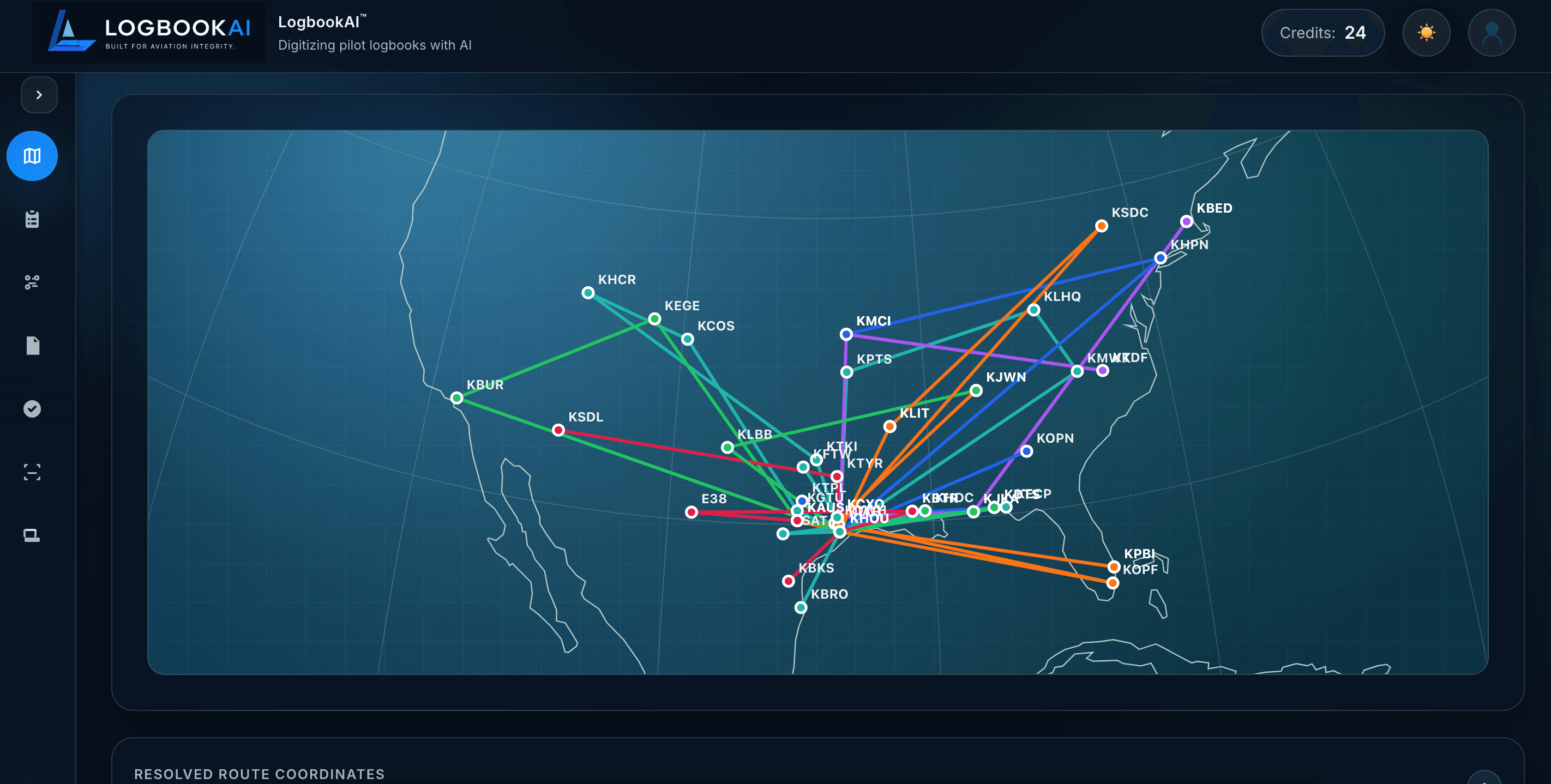
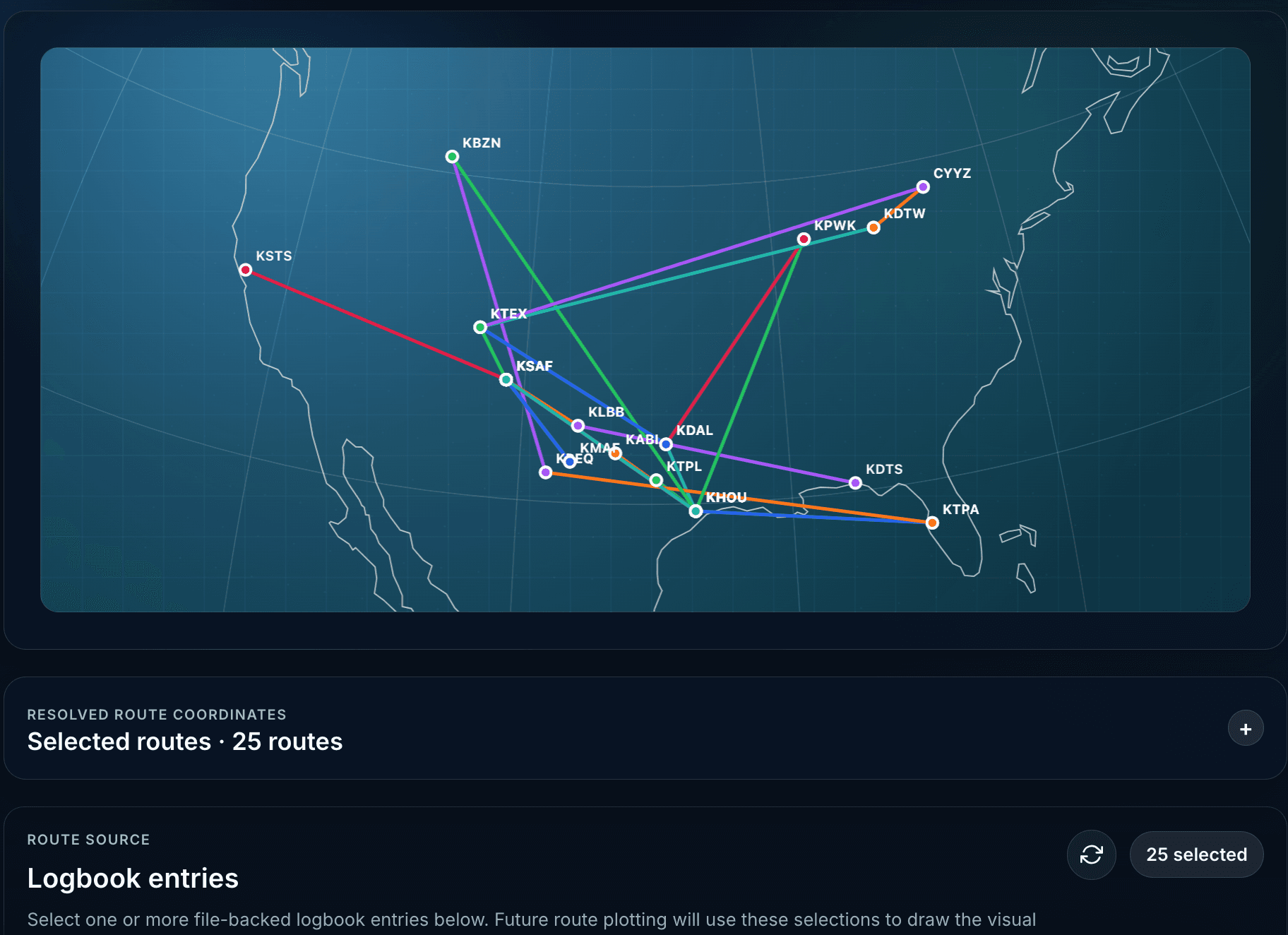
Switch between chart and globe views, plot routes from logged airports, and use sectional chart tiles on supported builds.
A clearer Settings experience with tabs for account preferences and regulatory credentials—so profile details are easier to find and update.
AERO stays available as an always-on companion for eligible plans. Ask questions in natural language and get answers grounded in your LogbookAI records.
LogbookAI is more than OCR. It is a connected system for scanning, organizing, validating, analyzing, mapping, and sharing flight experience for student pilots, instructors, aircraft owners, flight schools, and career-focused aviators.
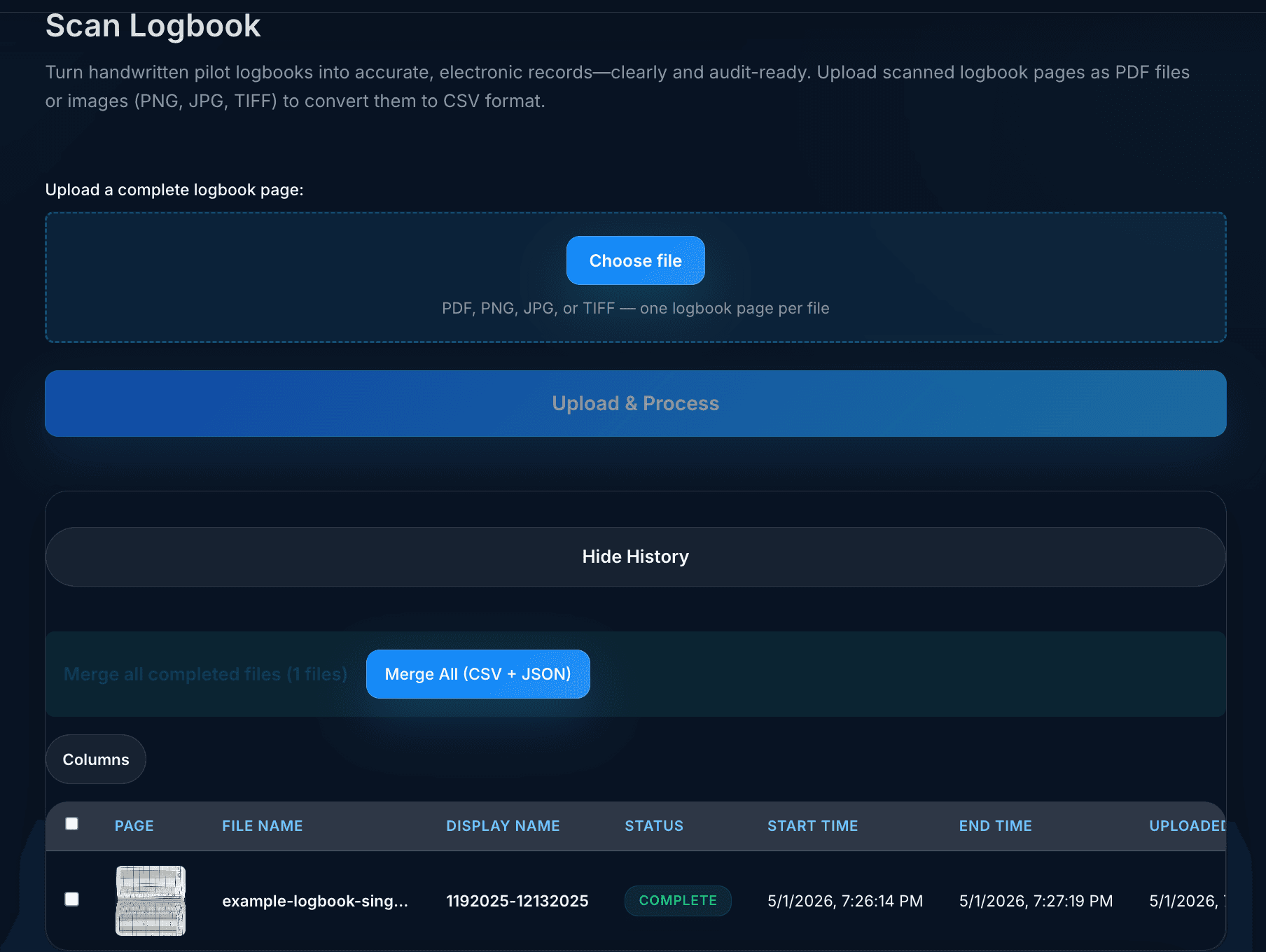
Upload PDFs or images, use free preview pages, process scans with Textract + Bedrock, review history, and merge results into combined outputs.
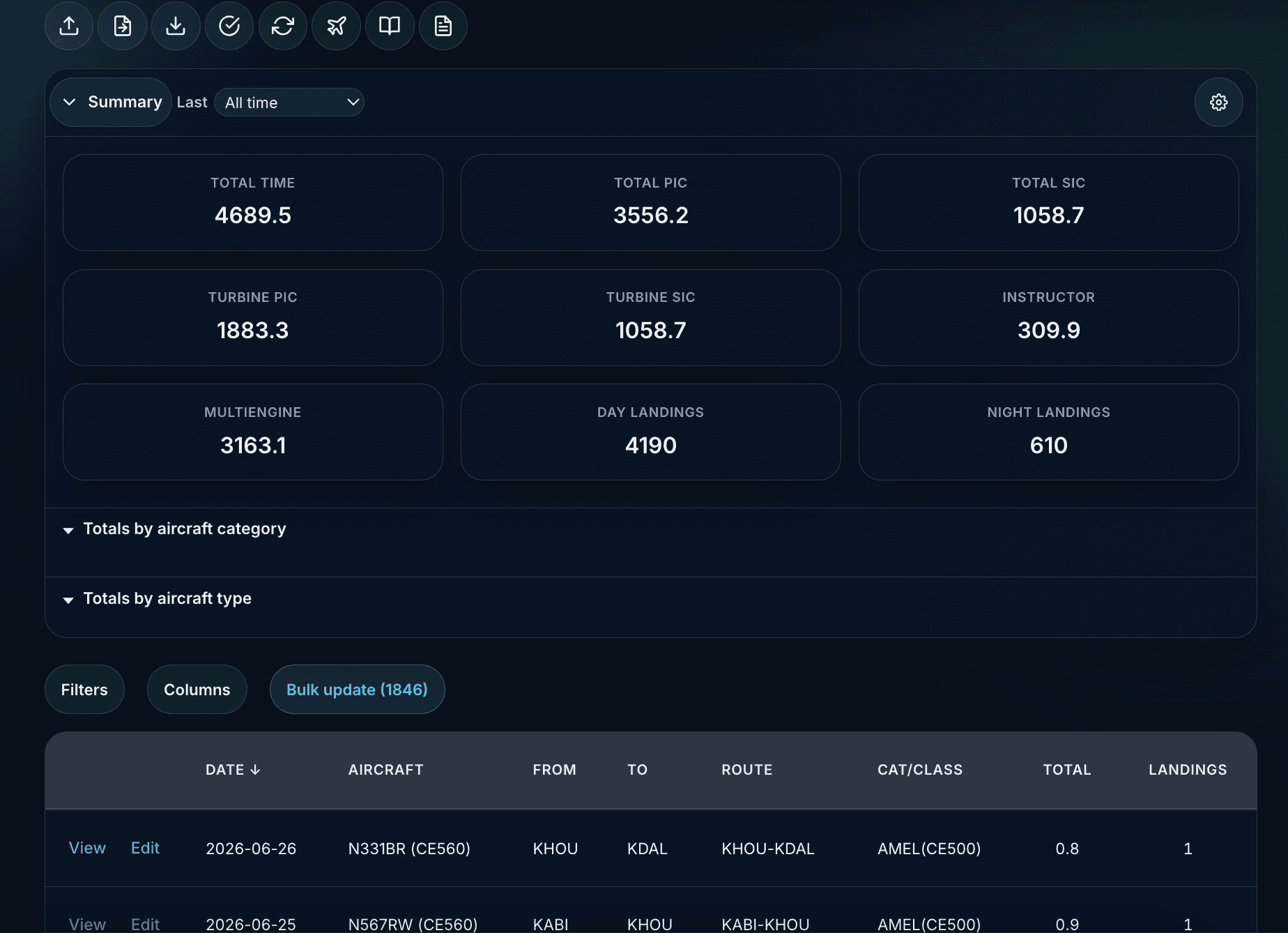
Create, edit, delete, search, attach photos/videos, track configurable totals, import CSV/JSON, export reports, and use ICAO airport and aircraft lookups.
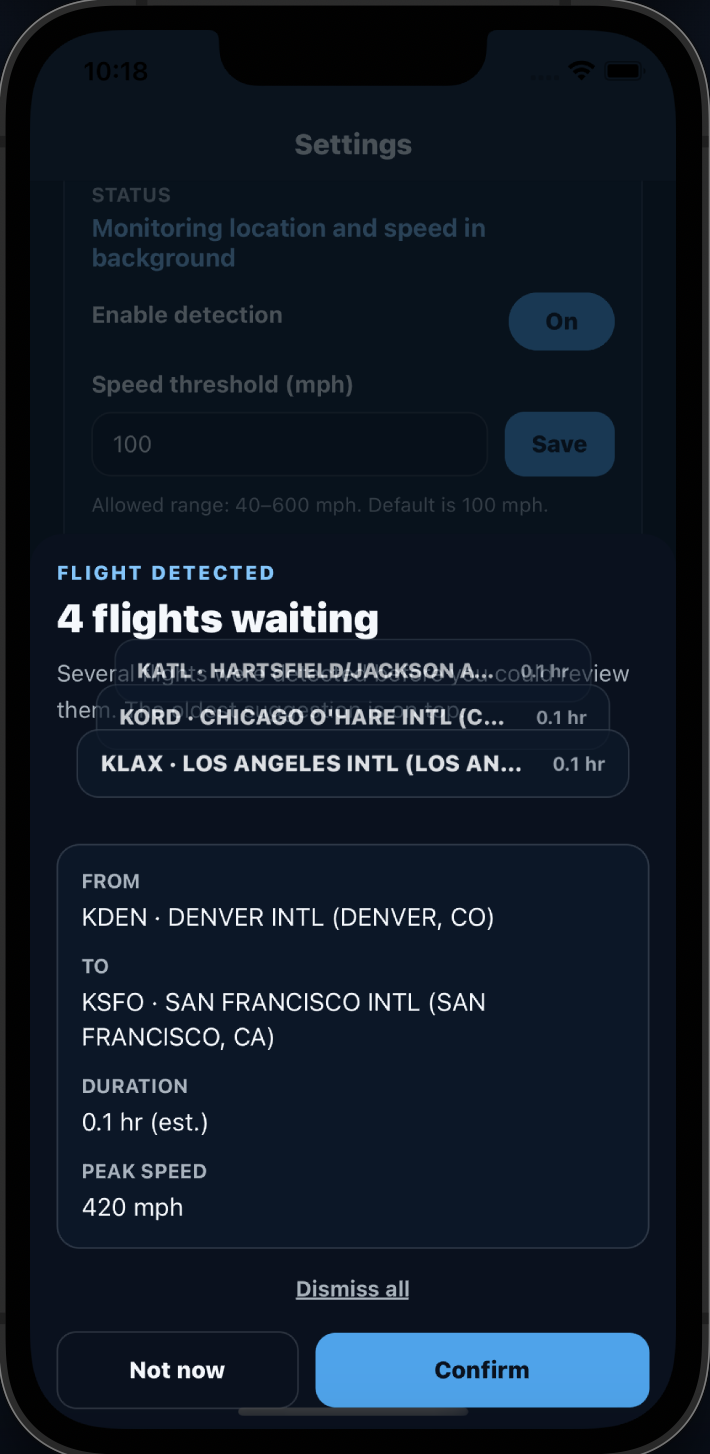
Mobile GPS monitoring detects takeoff and landing, matches nearest airports, applies aircraft defaults, and suggests entries for confirmation.
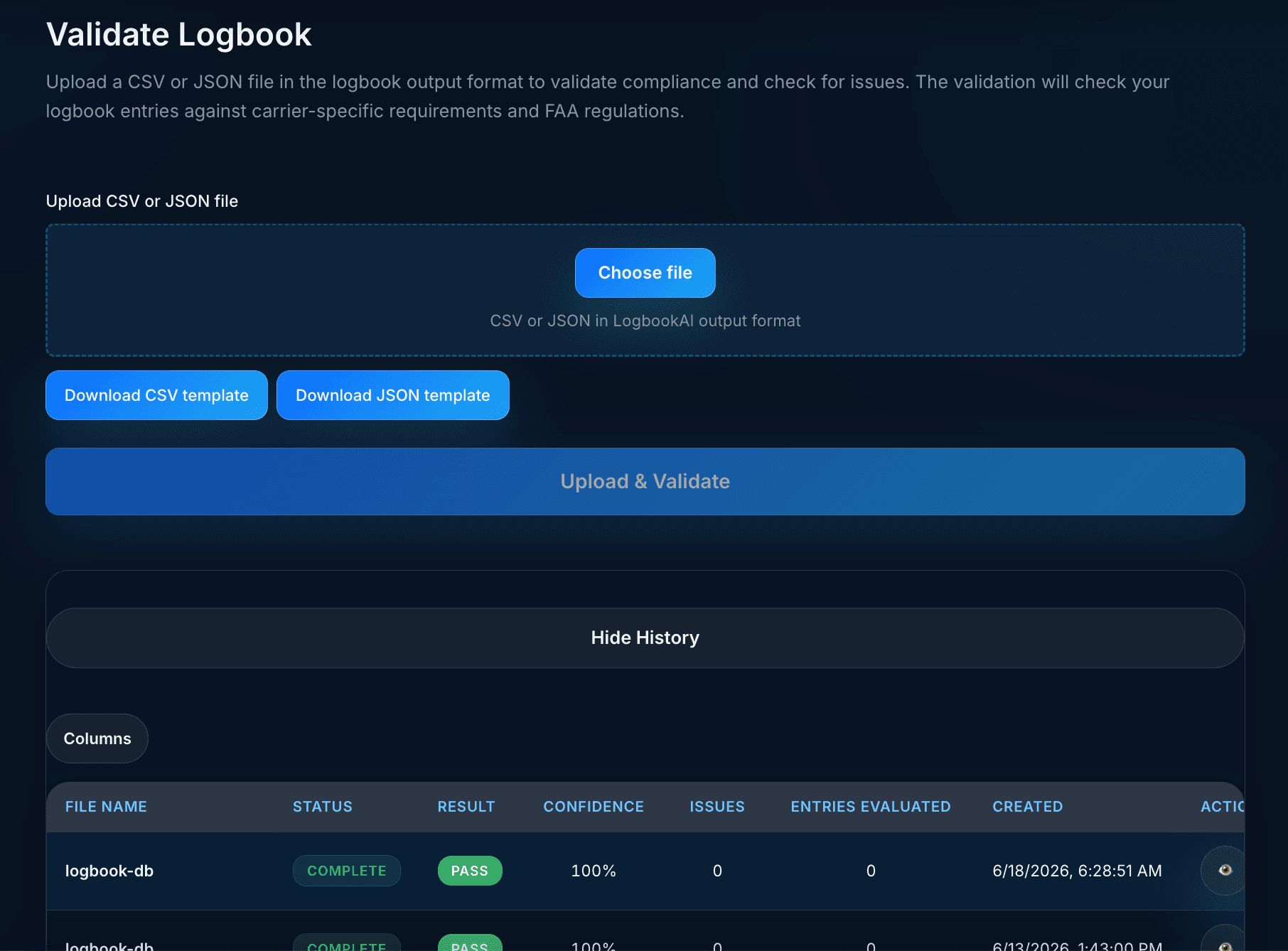
Validate saved entries or uploaded files against carrier profiles, compliance logic, currency checks, and discrepancy reports.
Flight Insights charts for hours by month, category/class, airports, aircraft type, and configurable time-field summaries—with exportable reports.
Passenger carrying, instrument currency, and flight review status computed from your logbook with expiring-soon alerts.
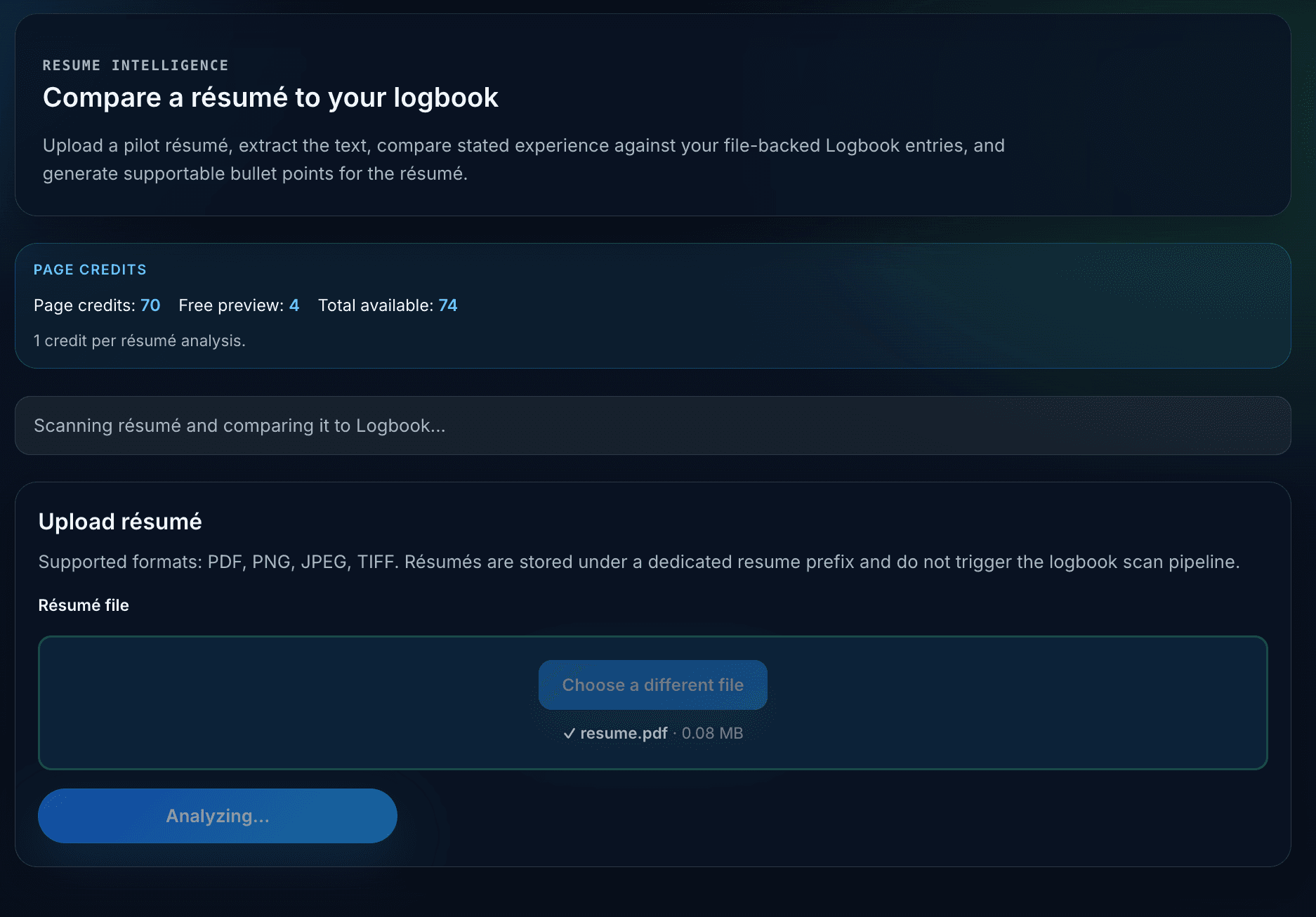
Compare claimed résumé hours to verified logbook totals, surface discrepancies, and generate supportable bullet suggestions for career applications.
Create Flight Cards, Journey Recaps, monthly and annual summaries, and milestone cards with privacy controls and native sharing.
Scan, organize, validate, analyze, and share. The workflow is built for pilots who need clean records for training, endorsements, instruction, applications, operators, audits, insurance, currency, and long-term backup.
Upload PDFs/images or use the native mobile scanner to capture paper logbook pages.
Review entries, edit complete logbook fields, attach media, import files, and sync across web and mobile.
Run compliance, currency, carrier-profile, totals, and discrepancy checks with downloadable reports.
Open Flight Insights analytics, check pilot currency, map routes, compare résumé claims, and download PDF or CSV reports.
Create Journey Recaps, monthly and annual summaries, privacy-aware Flight Cards, and milestone cards for social sharing.
Go beyond recordkeeping with checks that help pilots detect issues before a checkride, flight review, aircraft checkout, audit, insurance review, airline interview, or application deadline.
| Type | Description | Severity |
|---|---|---|
| Arithmetic | PIC + SIC exceeds total time | High |
| Regulatory | Night landings logged without night time | Medium |
| Data | Duplicate entry detected on same date/aircraft | Low |
| Category | Turbine time logged in piston aircraft | High |
OCR converts the page. LogbookAI goes further by reconciling totals, categories, aircraft types, dates, duplicates, and source references.
Preserve the connection between source scans and structured entries so records can be reviewed, corrected, and defended.
Create summaries for checkrides, flight reviews, instruction, applications, interview prep, recency, currency, and experience breakdowns.
Run the full platform from the web, then stay connected on mobile with native scanning, GPS-assisted flight logging, offline edits, sync queues, local notifications, and the same shared LogbookAI account.
LogbookAI on the web is your command center for scanning, importing, editing, validating, mapping, sharing, exporting, billing, and managing your flight records.

Upload PDFs or images, preview pages, and convert scans into structured flight entries with Textract + Bedrock.
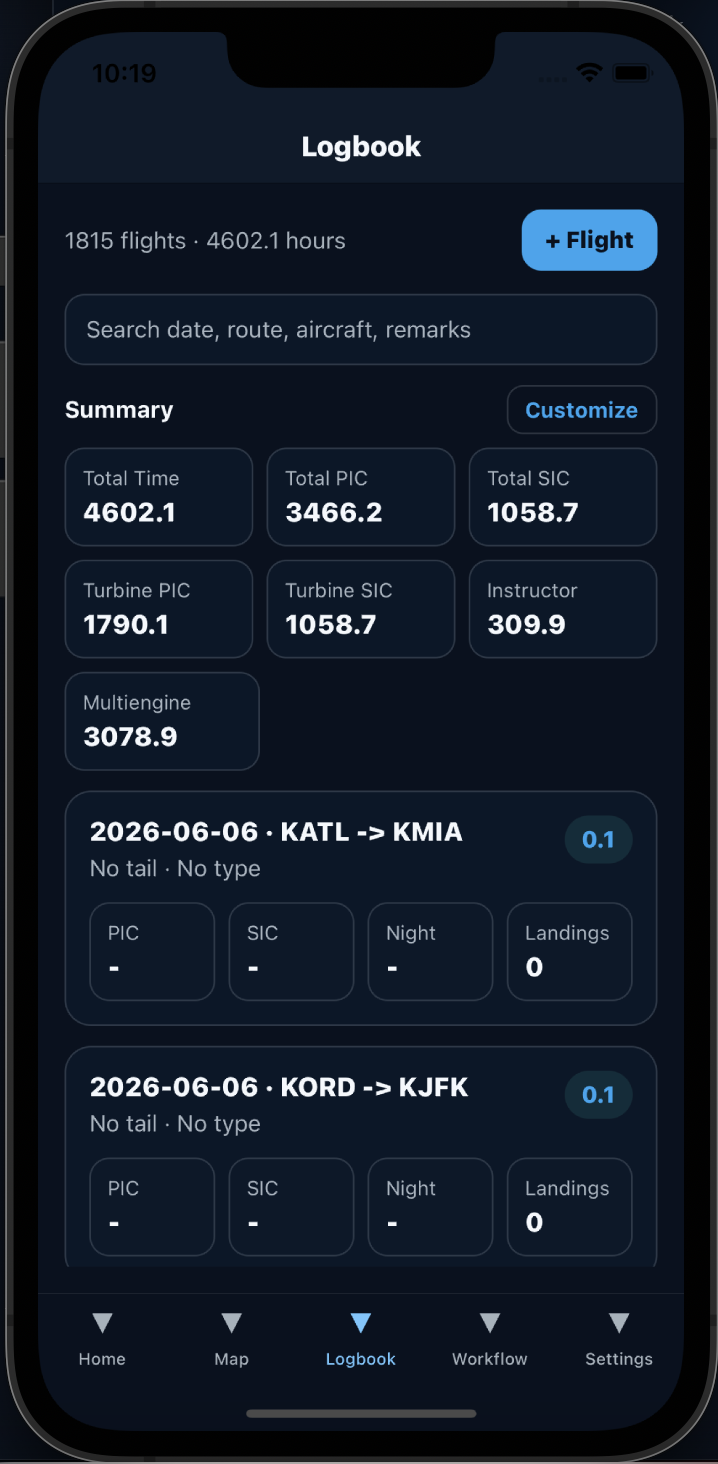
The LogbookAI mobile app is built for pilots in motion: scan on the ramp, confirm detected flights, append scan results, work offline, sync to the cloud, restore purchases, and keep your records moving wherever you fly.

Browse, search, edit, and add flights with offline-friendly sync to your account.

Same Logbook data as the web map—filter flights and plot routes from your phone.

Background speed monitoring suggests logbook entries after flights—with iPhone notifications when you're away from the app.

Scan pages, append results to Logbook, validate records, and open Analytics or Currency from Home, Map, Logbook, Workflow, and Settings.
Create a public profile page that highlights your aviation story while keeping you in control of what is visible.
Edit your name, slug, bio, location, certificates, and public sections. Choose which logbook-derived totals are visible on your profile page.
Choose the plan that fits how you fly. Basic covers your digital logbook foundation. Pro unlocks AI-powered Scan, Validate, AERO, and Flight Insights. Enterprise supports organizations and flight departments. Processing credits remain available for AI-heavy workflows.
Typical digital logbooks focus on entry storage. LogbookAI adds AI scanning, analytics, pilot currency, validation, résumé analysis, flight detection, printable reports, sharing, profile publishing, and report-ready outputs.
| Capability | LogbookAI | Typical digital logbook |
|---|---|---|
| AI OCR for paper logbooks | ✓ | Limited |
| GPS flight detection | ✓ | Few |
| Flight Insights analytics dashboard | ✓ | Limited |
| Pilot currency tracking | ✓ | Limited |
| Printable map & analytics reports | ✓ | — |
| Resume vs logbook analysis | ✓ | — |
| Compliance validation reports | ✓ | Limited |
| Journey Recap & milestone share cards | ✓ | — |
| Flight Cards and social sharing | ✓ | — |
| Public pilot profile | ✓ | — |
| Offline-friendly mobile sync | ✓ | Varies |
LogbookAI helps pilots move from paper records, fragile exports, and disconnected tools to structured, reviewed, traceable aviation data they can manage over an entire career.
LogbookAI™ by Aviation AI Solutions LLC is designed to help pilots digitize, validate, reconcile, and maintain flight records. The product assists with extraction and organization while keeping the pilot in control of review and approval.
Tell us about your logbooks, scanned pages, training records, flight school needs, or application goals and we’ll help you evaluate the best path forward.