Import an existing logbook
Move flights from ForeFlight, LogTen, MyFlightbook, or a generic CSV export. Review staged rows before they publish to your logbook.
ForeFlight · LogTen · MyFlightbook · CSV
Bring paper and digital flight records into one logbook. Scan or import entries, review your records, track currency, and understand your flying experience.
First year of Basic free · 30 days of Pro included
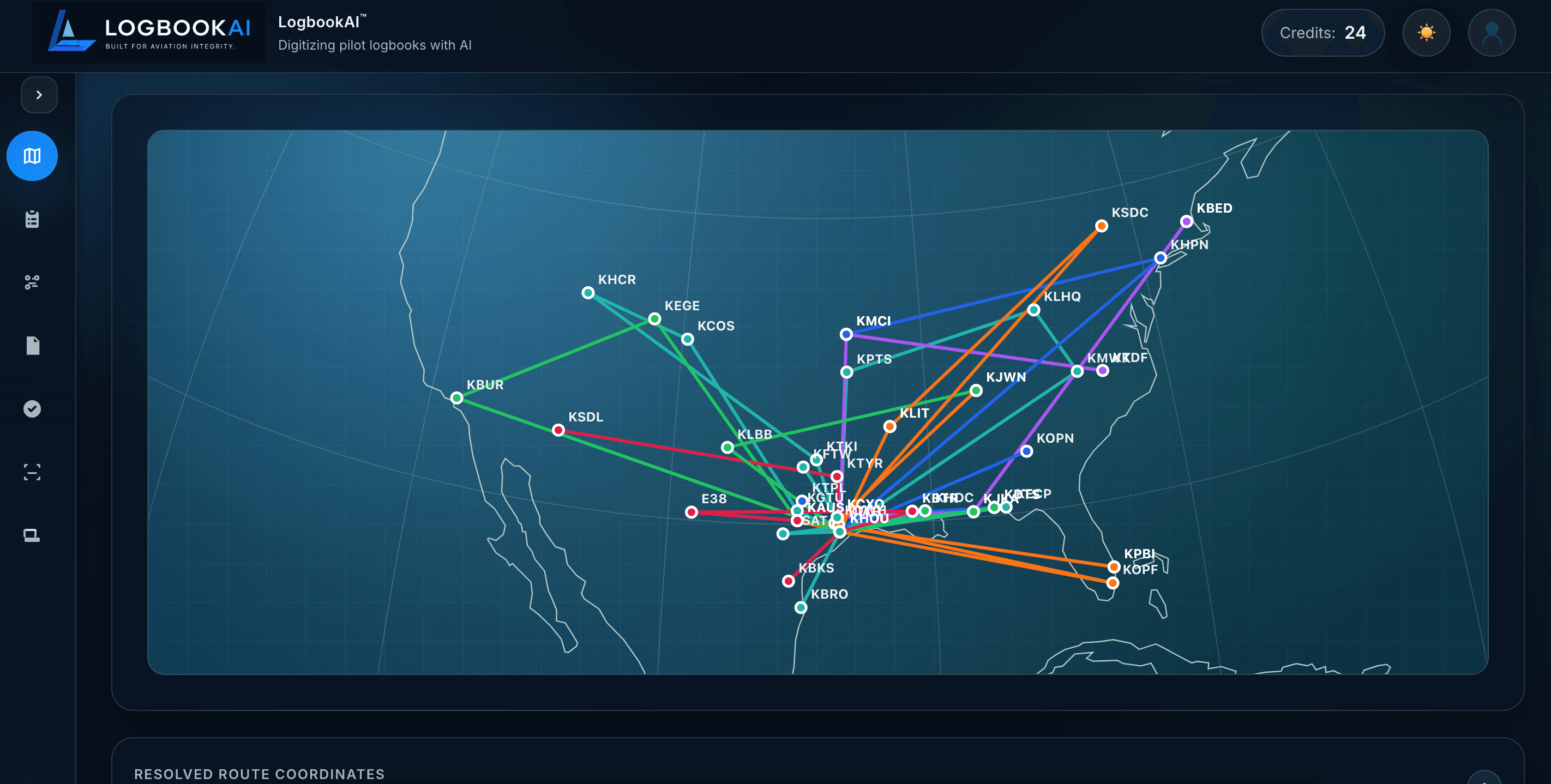
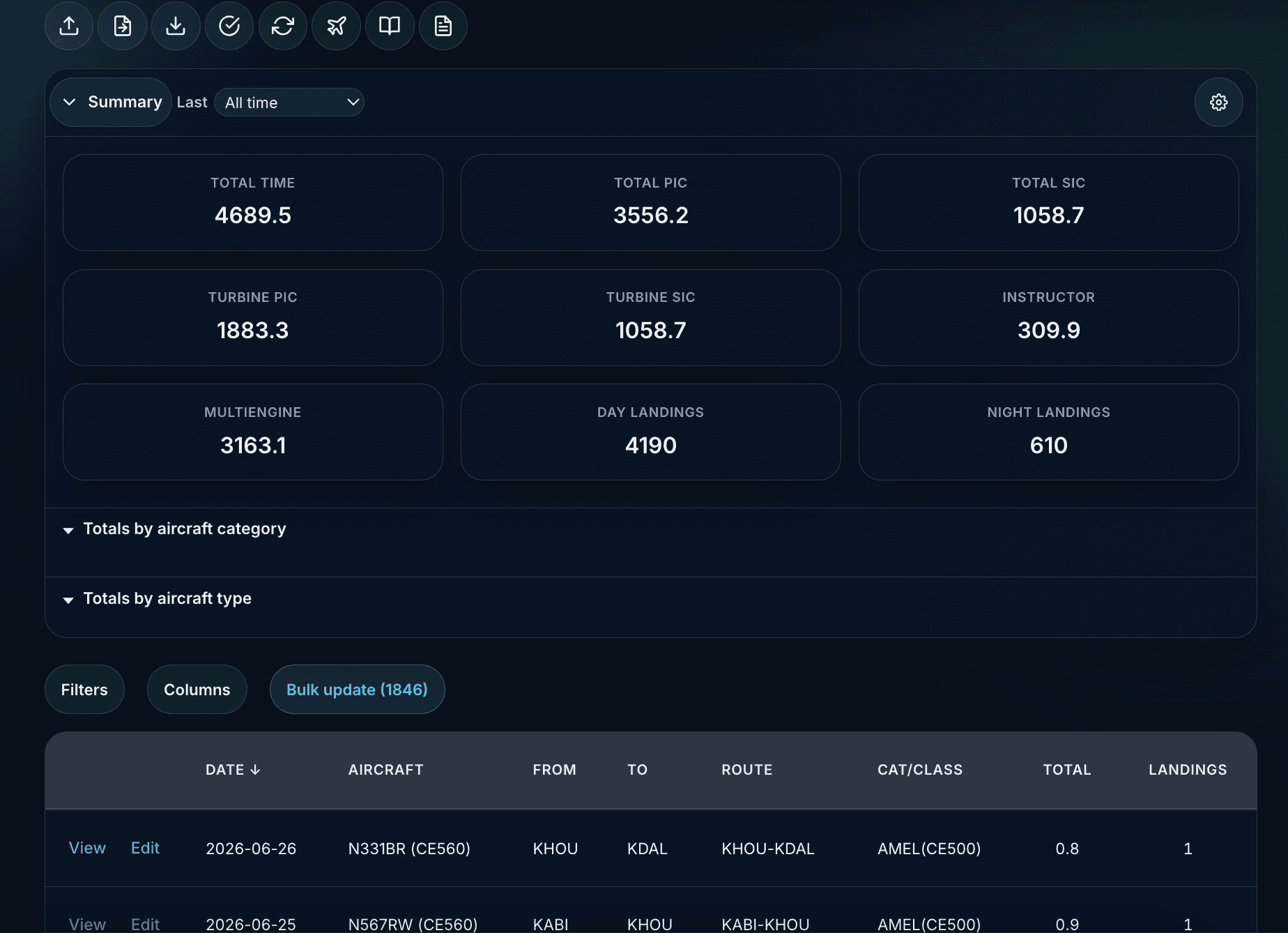
Search, edit, attach media, and keep configurable totals across every flight — the same dataset powers maps, analytics, currency, and exports.
Import an existing logbook, scan paper pages, or enter flights directly — then review before anything publishes.
Move flights from ForeFlight, LogTen, MyFlightbook, or a generic CSV export. Review staged rows before they publish to your logbook.
ForeFlight · LogTen · MyFlightbook · CSV
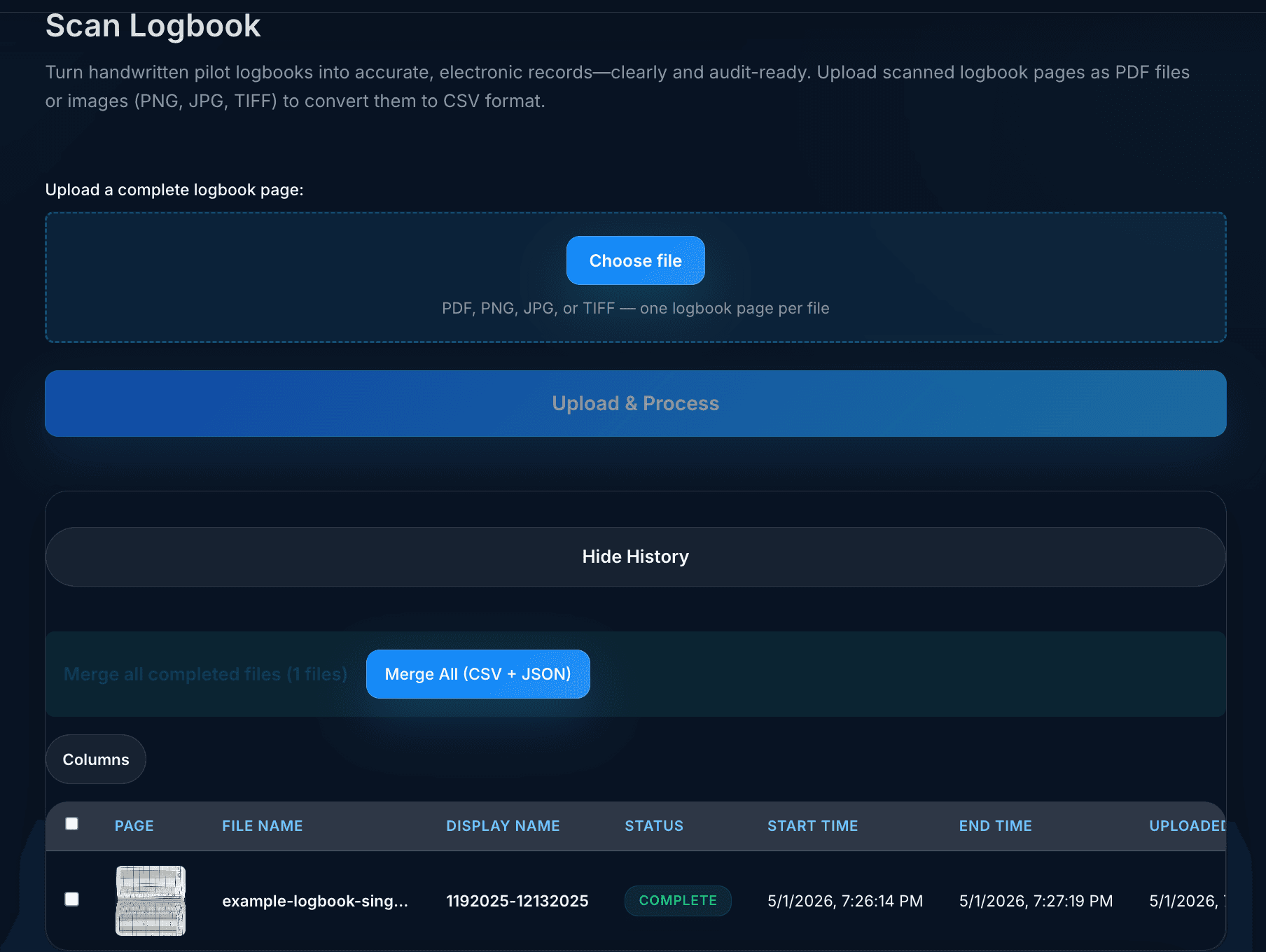
Upload PDFs or images of handwritten pages, preview extraction, and merge structured results after you approve them.
PDF · PNG · JPG · mobile scanner
Create and edit entries in the web logbook, attach media, import CSV/JSON, and sync with LogbookAI Pilot on iOS.
Manual entry · CSV · JSON
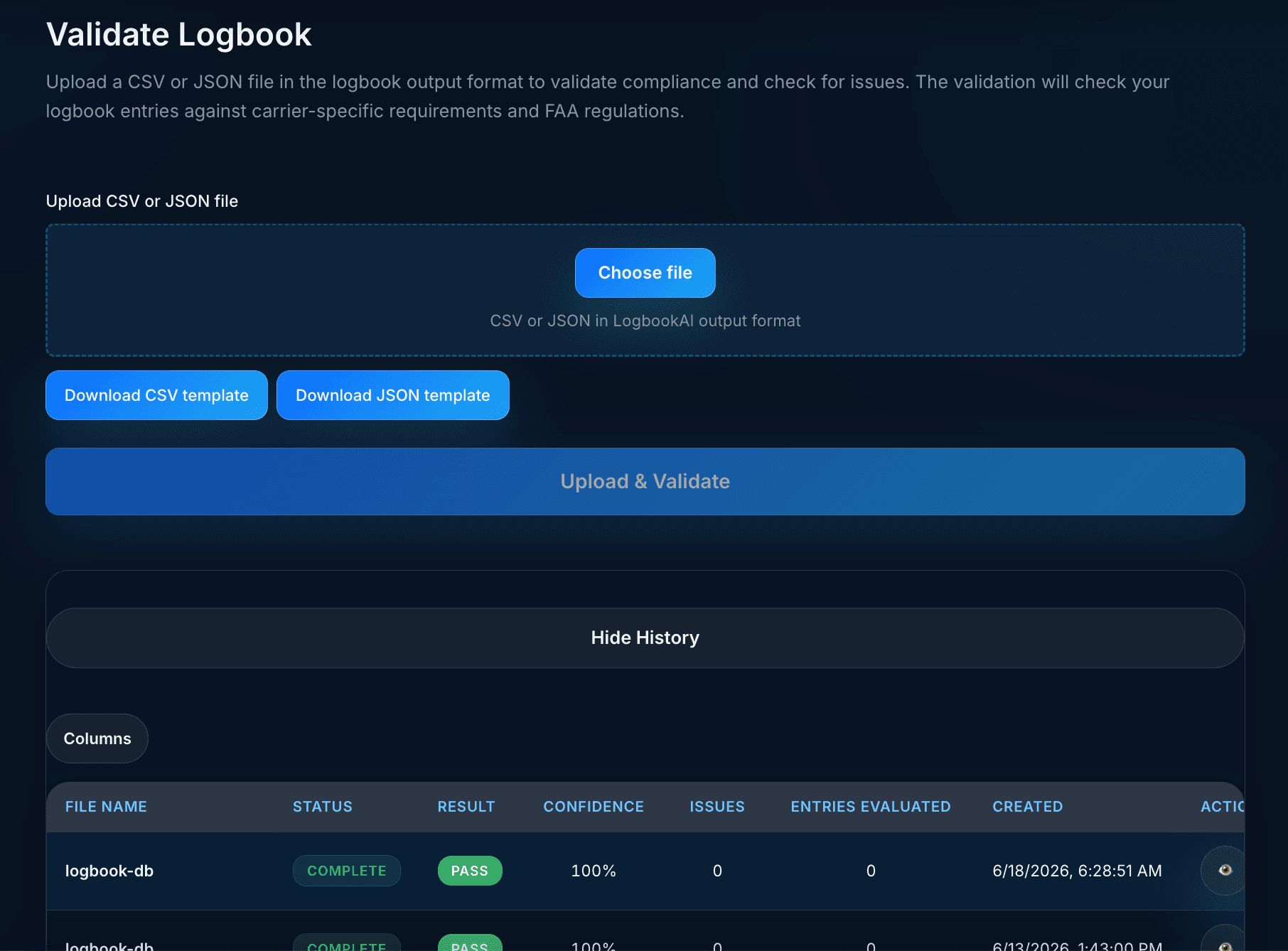
Imports and scans propose structured rows. You review and publish — then run integrity checks on saved data. Outputs assist your recordkeeping; they do not replace official regulatory submissions.
| Type | Description | Severity |
|---|---|---|
| Arithmetic | PIC + SIC exceeds total time | High |
| Regulatory | Night landings logged without night time | Medium |
| Data | Duplicate entry detected on same date/aircraft | Low |
Flight Insights, route maps, and pilot currency draw from the same reviewed logbook. Analytics and AI validation features require Pro (or complimentary Pro) and do not include unlimited processing.
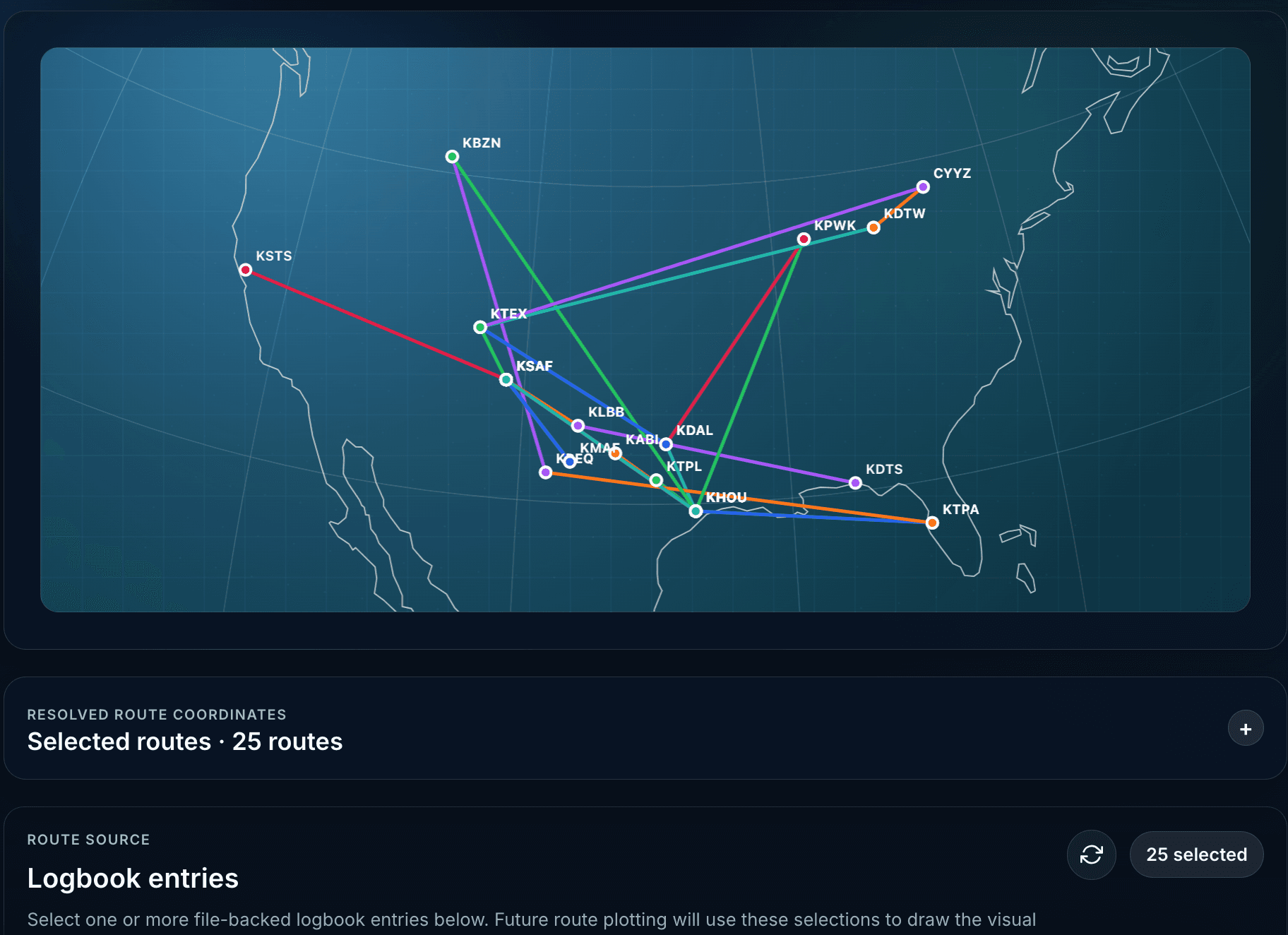
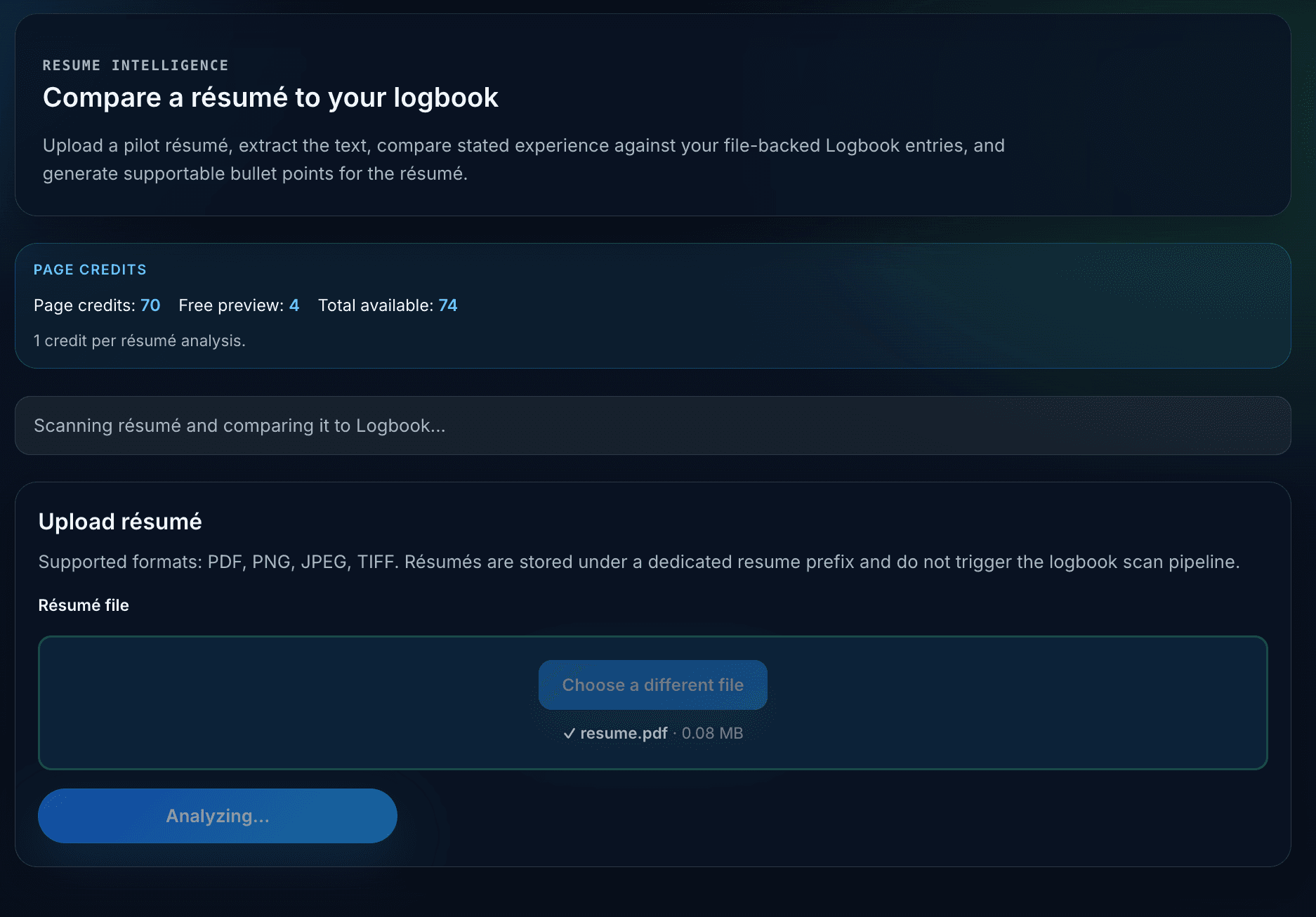
Use AERO on eligible plans to draft personal currency rules you approve and save. Career overview, goals, professional records, and flight replay build on the same logbook data.
A practical path from paper or exports to reviewed data, validation, and reports.
Upload paper pages, competitor exports, or CSV/JSON and stage rows for review.
Edit proposed fields, resolve discrepancies, and publish approved entries.
Run integrity checks on saved logbook data and download PDF or JSON reports.
Open Flight Insights, route maps, and pilot currency from the same dataset.
Export summaries, career reports, flight cards, and share cards when you choose.
LogbookAI Pilot on iOS complements the web app with scanning, GPS-assisted flight suggestions, offline edits, and sync to your account.
Subscriptions and processing credits on iOS use Apple In-App Purchase with restore purchases. Web checkout uses Stripe.

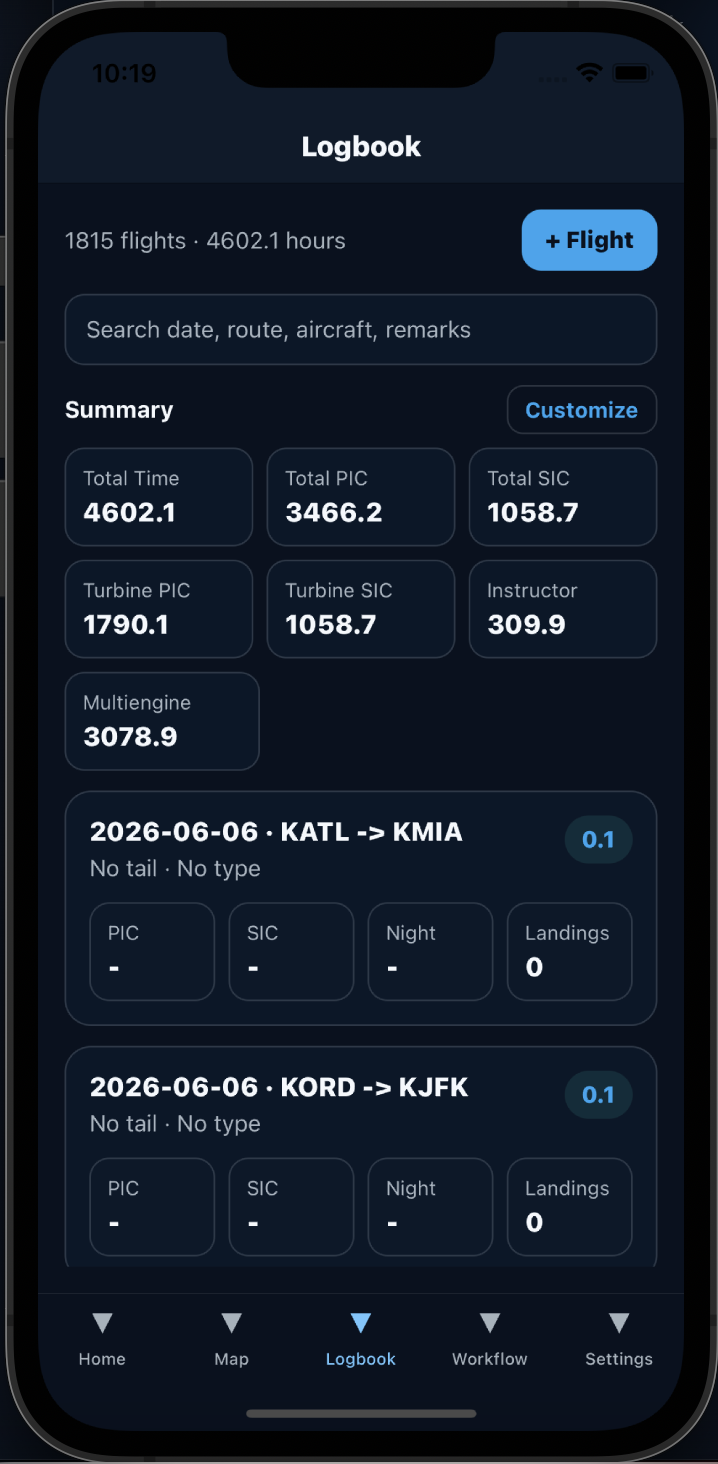
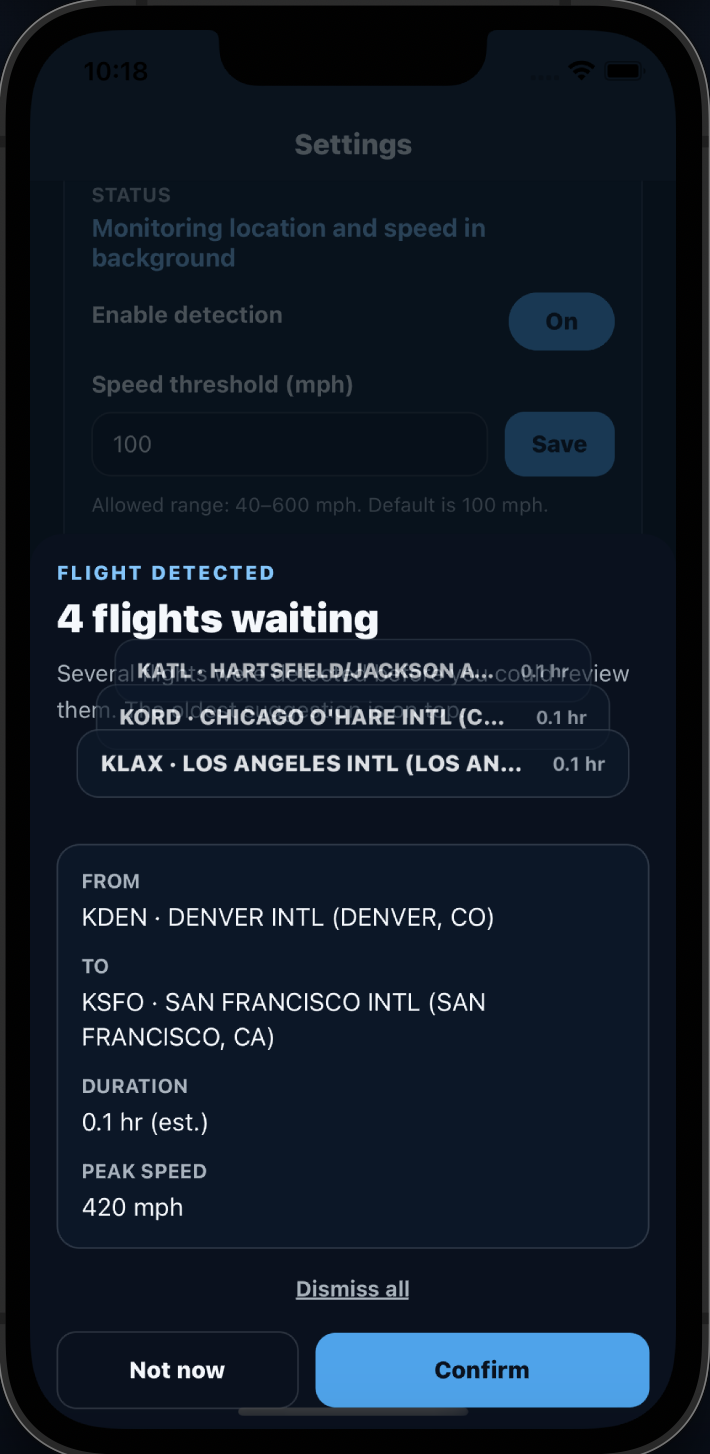
Recent product areas and release highlights — with links to the workflows that implement them.
Import competitor exports, review staged rows, and publish when you are ready.
Endorsements, training days, qualifications, and readiness beside your logbook.
Group flights into trips and duty periods with roster import support.
Pilot app workflow improvements and AERO assistance on eligible plans.
Annual plans match current in-app configuration. Processing credits are sold separately for scan and validation workloads.
First year free, then $50/year
$75/year
Contact sales for pricing
Processing credits pack — $10. 1 page per credit · 1 credit per validation run. Includes 5 free preview pages for eligible new accounts.
Tell us about your logbooks, organization, or training program and we will help you evaluate the best path forward.